Skip to content
FIELD DISPATCH // New Drop incoming
Next drop · --d · --h · --mSupport
Next drop · --d · --h · --m·Support·FAQ
Outpost3D
Browse Gear
Weekly Drops
How It Works
Pricing
AboutField NotesField ReportsGuidesSupportCustom Solutions
Sign In
Field Dispatch

New Gear. Every Thursday.

Get weekly drops, printing tips, and first access to new designs delivered to your inbox.

No spam. Unsubscribe anytime.

Outpost3D

Premium 3D printable outdoor gear. Designed for the field, verified by makers, ready to print.

Veteran Owned & Operated

Browse

  • All Gear
  • EDC & Organizers
  • Outdoor & Camping
  • Hunting & Fishing
  • Homesteading
  • Workshop & Tools
  • Pets & Animals
  • Home & Living
  • Weekly Drops

Company

  • About
  • How It Works
  • Pricing
  • Support
  • Terms of Service
  • Privacy Policy
  • Disclaimers & Waiver
  • Merchant License
  • Seller Agreement

New to Printing?

  • How It Works
  • Setup & Guides
  • Free Files
  • FAQ
Suggest Gear→
© 2026 OUTPOST 3D // EST 2025

The best gear is the gear you can make yourself.

Simple Process

From File TO FINISHED.

Ready-to-print files for gear that works.// Find. Download. Print. Use.

See the processKnowledge base
How it works

From signup to printed gear
in five steps.

Five steps from signup to a printed piece of gear in your hand. No 3D-printing experience required. The longest part is waiting for the printer to finish.

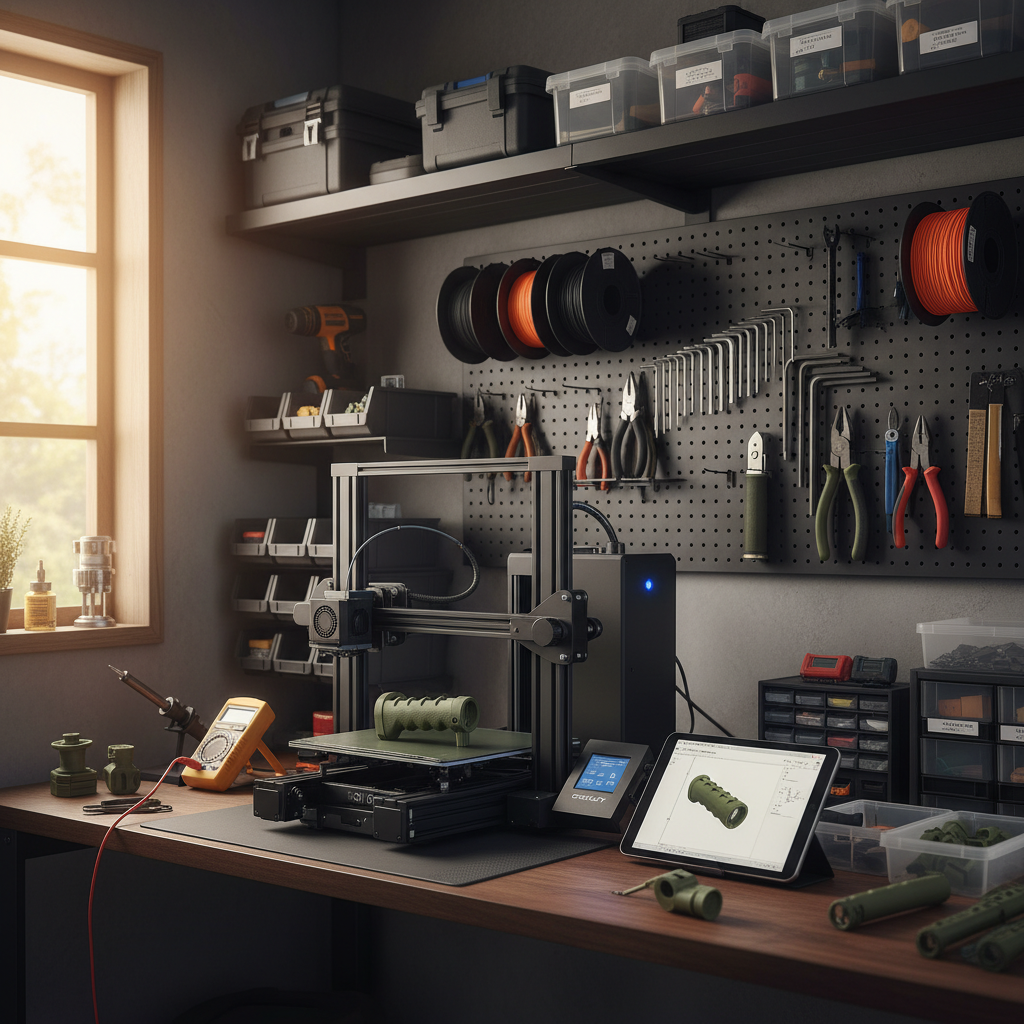
  1. Maker workbench with 3D printer ready to start a job.
    01
    30 sec

    Sign up free

    No card. No plan picker. Drop an email, pick a handle, you’re in.
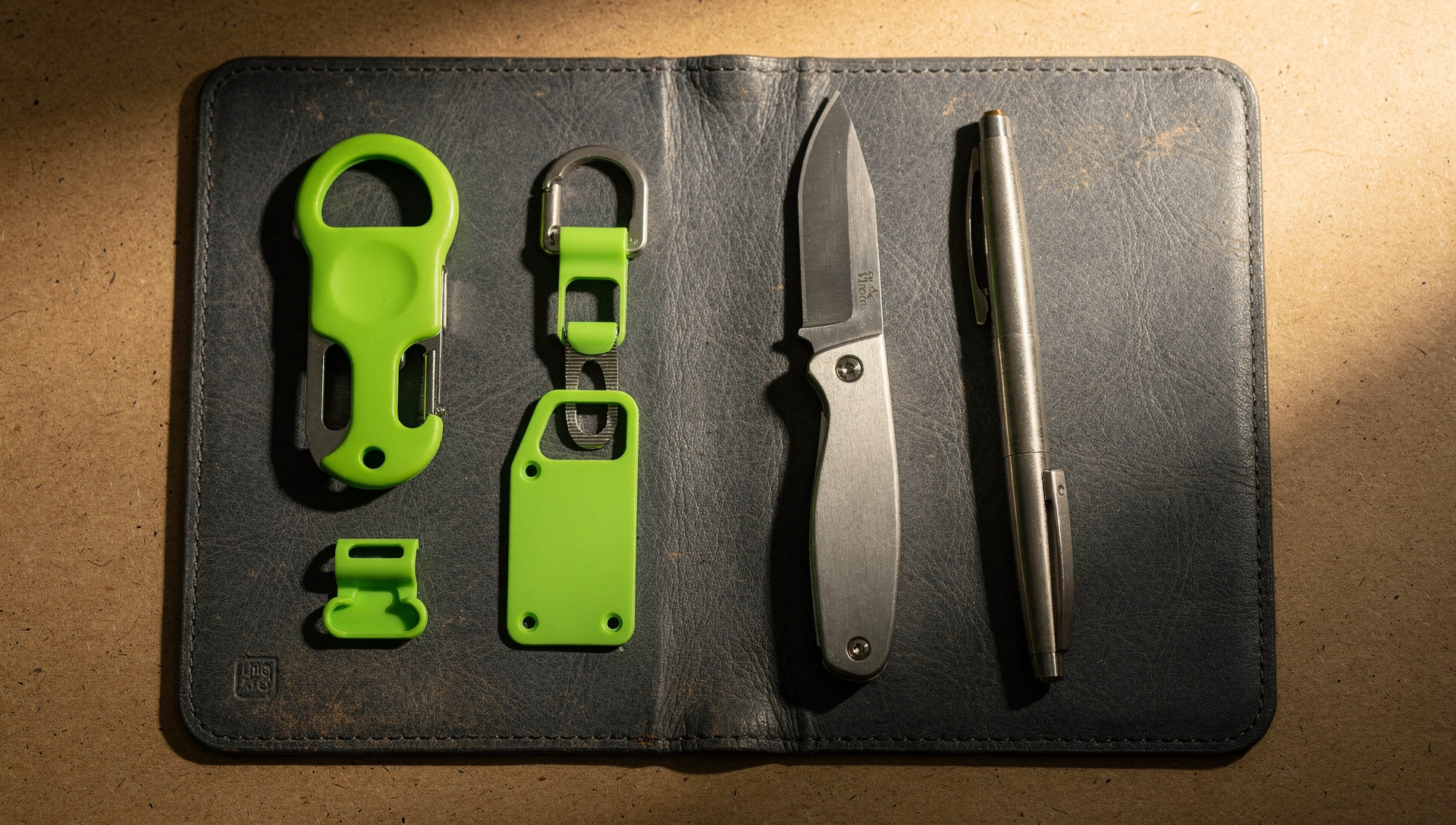
  2. EDC kit laid out on a leather pad, ready to choose what to print first.
    02
    5 min

    Pick a file

    Browse the library. Every file has full specs, time-to-print, and a 3D preview.
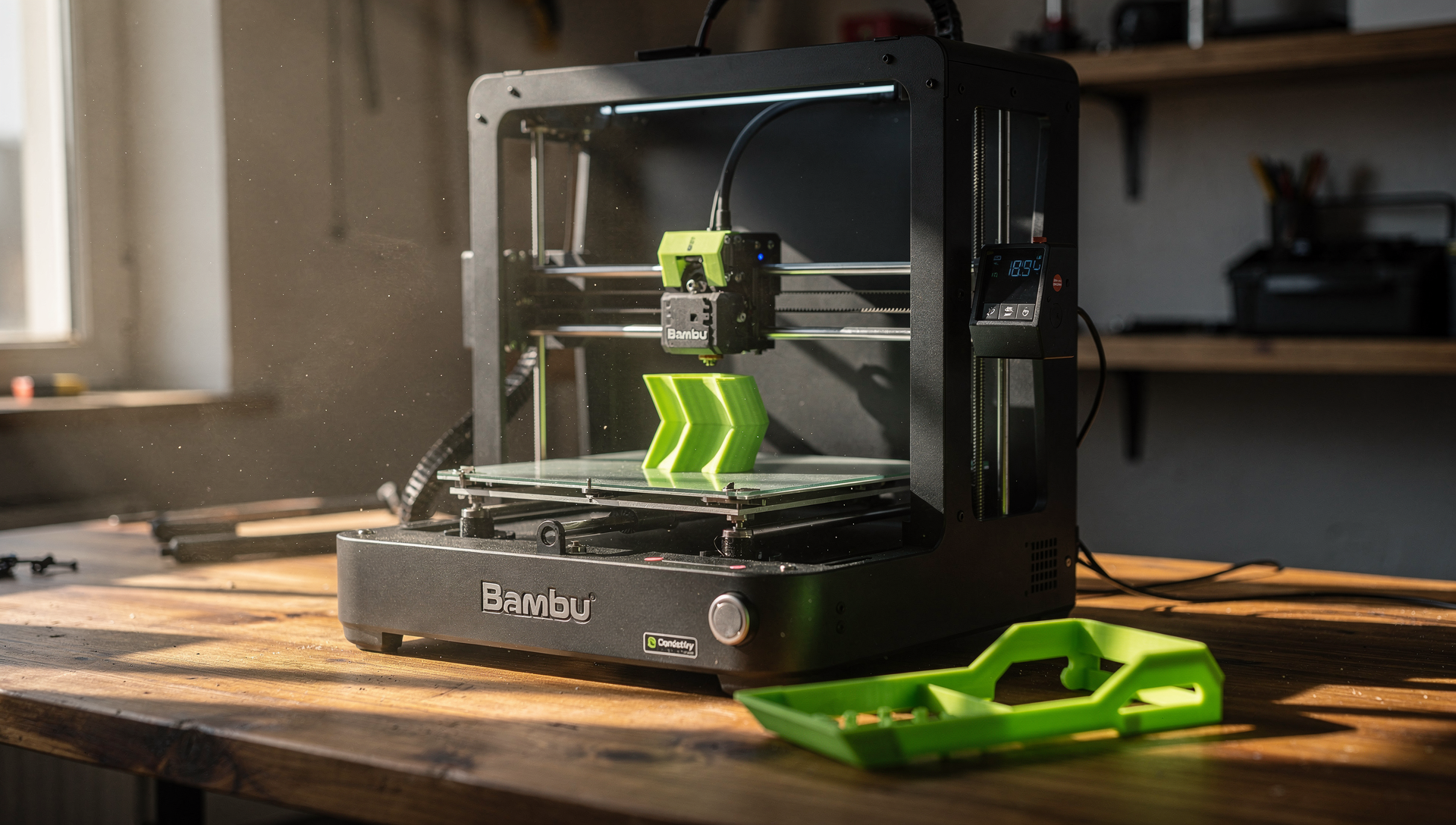
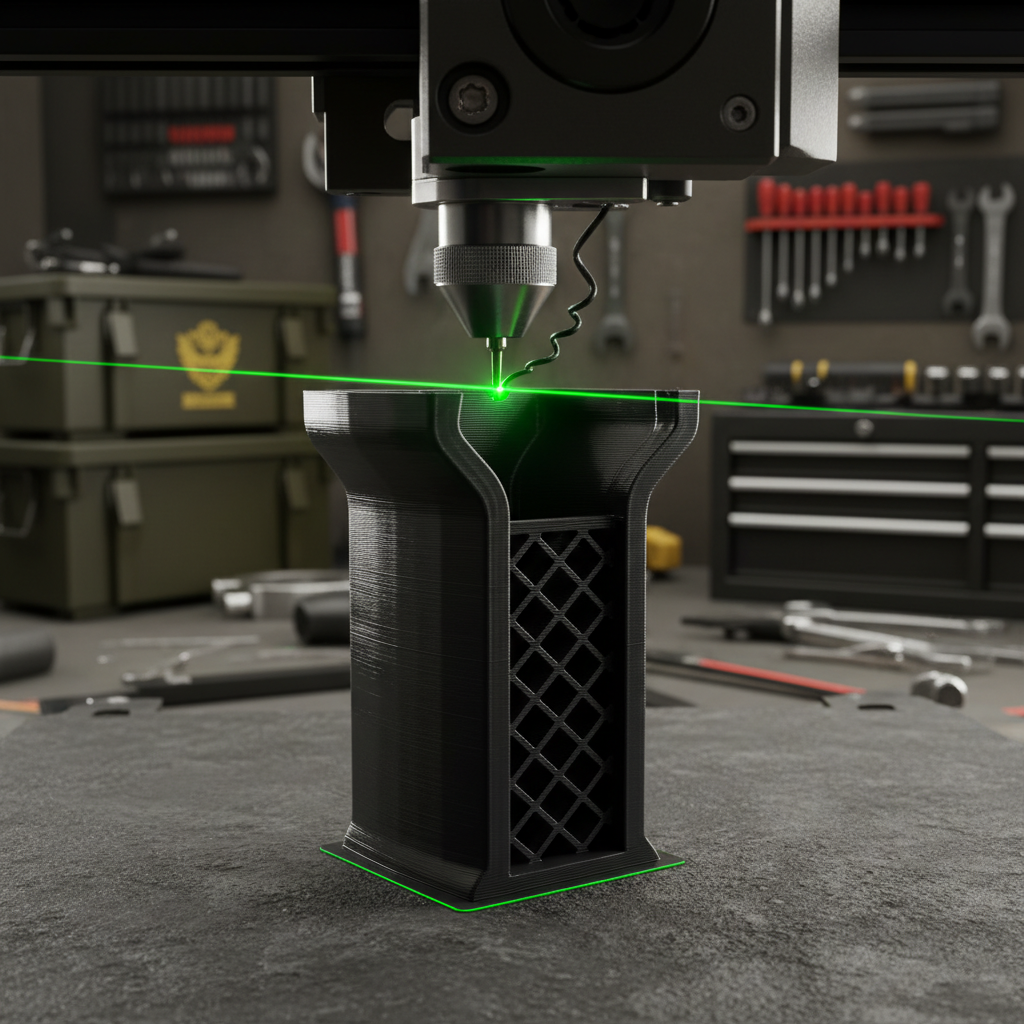
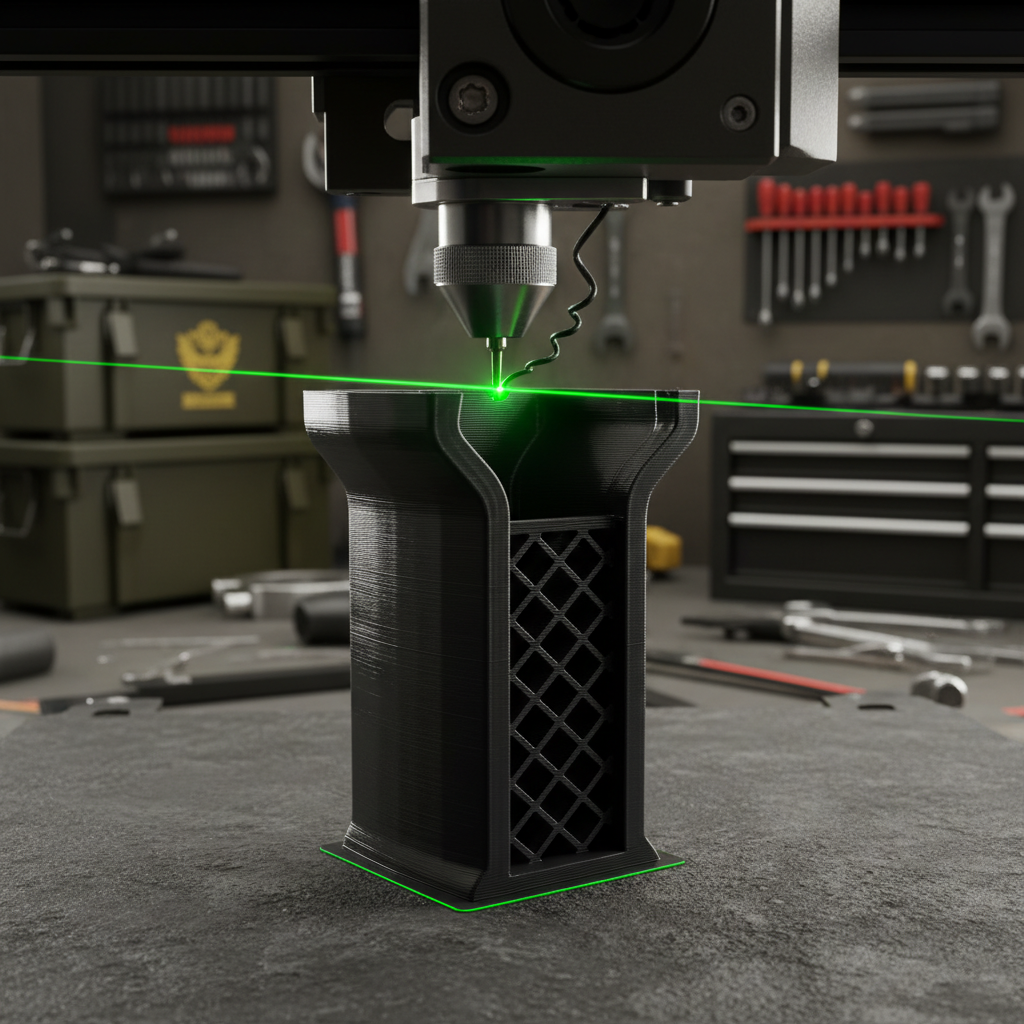
  3. Bambu Lab printer mid-print with neon green PETG filament visible.
    03
    10 min

    Slice and send

    Slice from the raw STL, or use our pre-sliced gcodes for select printers. Load the gcode onto your printer and watch it build.
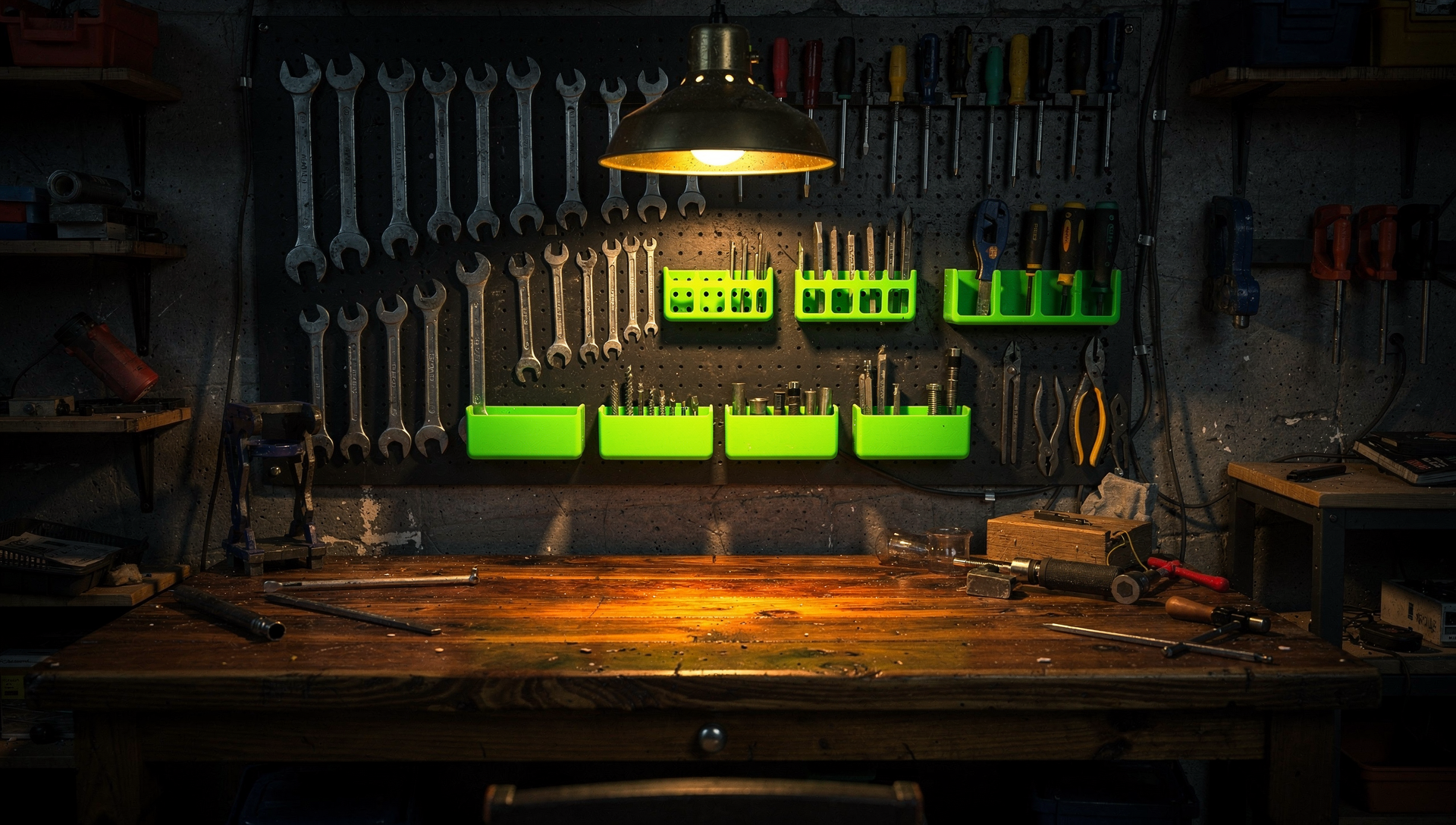
  4. Workshop pegboard with hand tools and printed neon green organizers.
    04
    Print time

    Print

    Watch it build. Most starter prints finish in under an hour — bigger builds take longer.
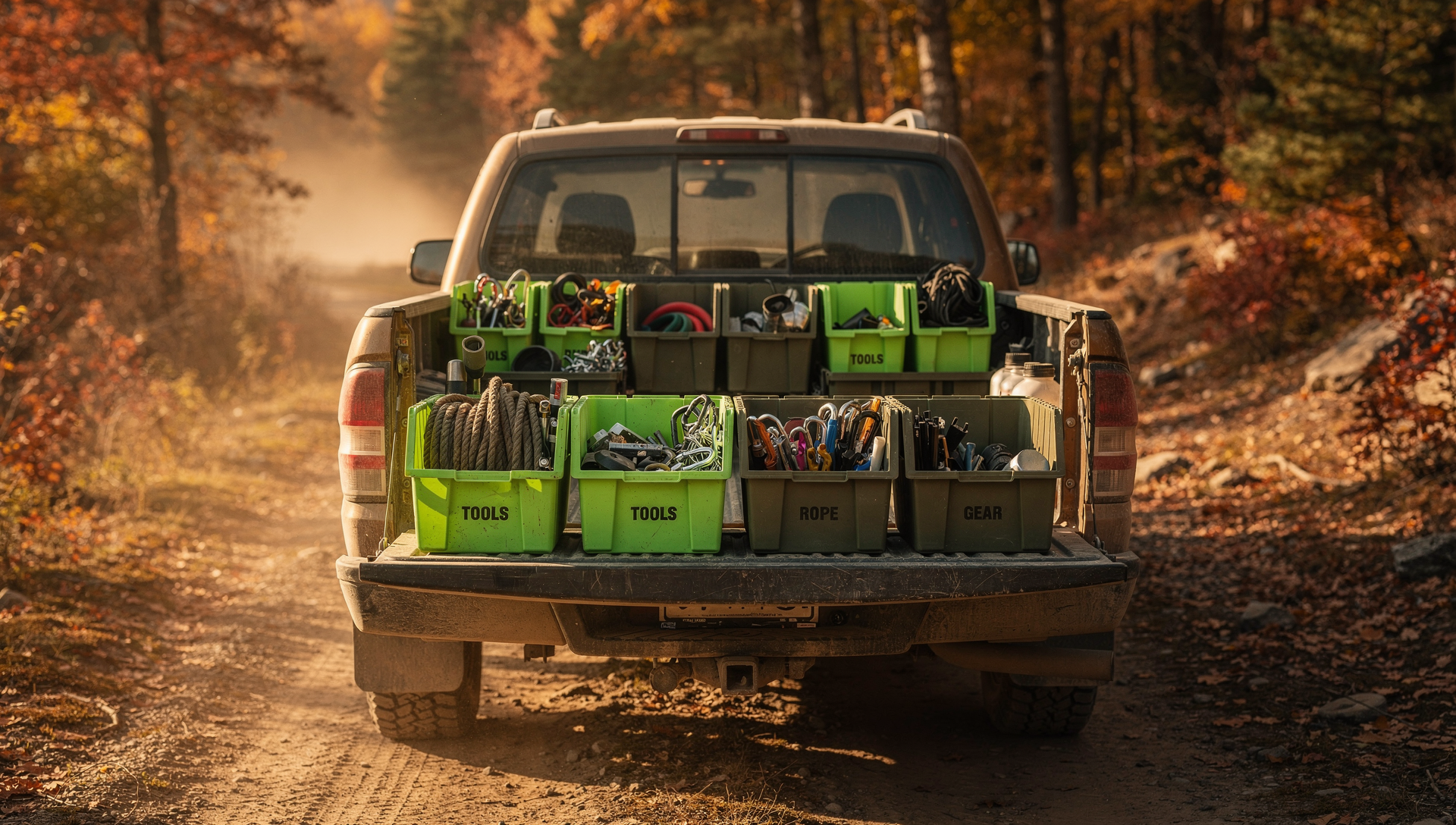
  5. Pickup truck tailgate full of organized printed gear bins on a backwoods autumn trail.
    05
    Same day

    Take it outside

    Pack the truck. Clip it on. Use it. Tell us when it breaks — we’ll redesign it.

Ready to print your first file?

Create a free account and print your first free file today. We’ll be here if you get stuck.

Create a free accountOr read the full guide

Watch first

Setup videos by Joe

Printer walkthroughs to get your first print dialed in.

Watch the setup videos
01
outpost3d.com/drops
_
12 RESULTS
READY TO PRINT
POT HANDLE
DROP 47
CAMPING
CAMPING POT HANDLE
3 Items
UTENSIL HOLDER
DROP 47
CAMPING
UTENSIL HOLDER
2 Items
Step 1

Find Your Gear

// Browse the Collection

Browse our categorized library of field-verified parts. Find exactly what you need for your setup—from replacement buckles to custom clips and mounts.

  • Organized by Category
  • Difficulty Ratings
  • Material Recommendations
02
Camping Pot Handle
Ready-to-Print Package
All Files
Ready to Print
Downloading...0%
Everything You Need
STL + 3MF + GCODE
Pre-sliced profiles
Print instructions
No tweaking needed
Step 2

Download Files

// Instant Access

Get the files immediately. No complicated process. Just clean, high-quality 3D files ready for your printer.

  • Raw STLs
  • Pre-Sliced Gcodes
  • Field-Tested
03
PRINTING POT HANDLE
215°
Layer 0/20
ETA 130m
Color:
OD Green
Step 3

Print It

// Ready-to-Print Files

Slice from the raw STL, or use our pre-sliced gcodes for select printers. Load the gcode onto your printer and watch it build.

  • Pre-Oriented Geometry
  • Optimized for Stock Printers
  • Field-Tested Designs
All Systems Online

Universal Compatibility

Tested on the industry leaders. From entry-level to professional grade.

Bambu Labs
Bambu Labs
Optimized
Prusa
Prusa
Optimized
Creality
Creality
Verified
Any STL-Capable Printer
Compatible

► Works with your printer out of the box

File Package Contents

What's Included

Professional grade files, standard for every download.

STL Files

Universal format. Clean meshes, manifold geometry. Ready for any slicer.

.stl

Gcode Files

Pre-sliced files ready to print on supported printers. Load and go.

.gcode

Assembly Instructions

Multi-part prints are designed to go together simply, with written instructions and hardware lists where a build needs them.
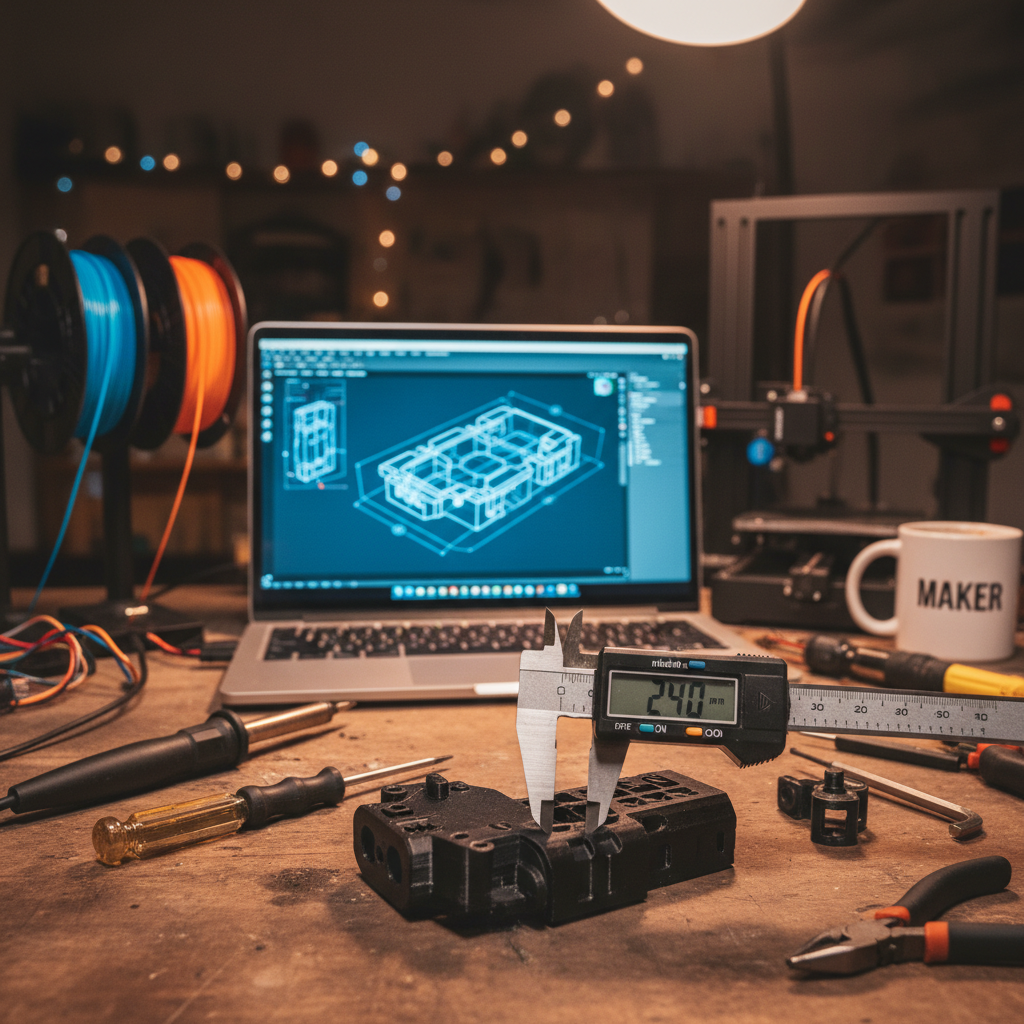
.assembly
Knowledge Base

Support & Resources

Everything you need from unbox to finished part — guides, material specs, troubleshooting, and walkthrough videos.

Browse all

Getting Started

New to 3D printing or new to Outpost? The five-minute orientation: account, first download, first print.

Read guide

Guides

Slicer settings, post-processing, support removal — the practical knowledge that turns a download into a finished part.

Read guide

Material Guide

PLA+, PETG, TPU, ASA — when to use which. Strength, temperature, UV resistance, and price tradeoffs by use case.

Read guide

Troubleshooting

Print didn't stick? Layer shifting? Walk through the most common print failures and the fix for each.

Read guide

Video Walkthroughs

Joe walks through Bambu Lab A1 + P1P setup end-to-end — from unbox to first successful print. More printers next.

Watch video
// Most Asked
Quick answers from the knowledge base
All FAQs
  • How do I get my first file printing?
  • Which printer brand works best with your files?
  • PLA+, PETG, or TPU — what should I use?
  • My print didn't stick to the bed — what now?

START PRINTING TODAY.

Thousands of makers are already printing their own outdoor gear.

Browse Gear